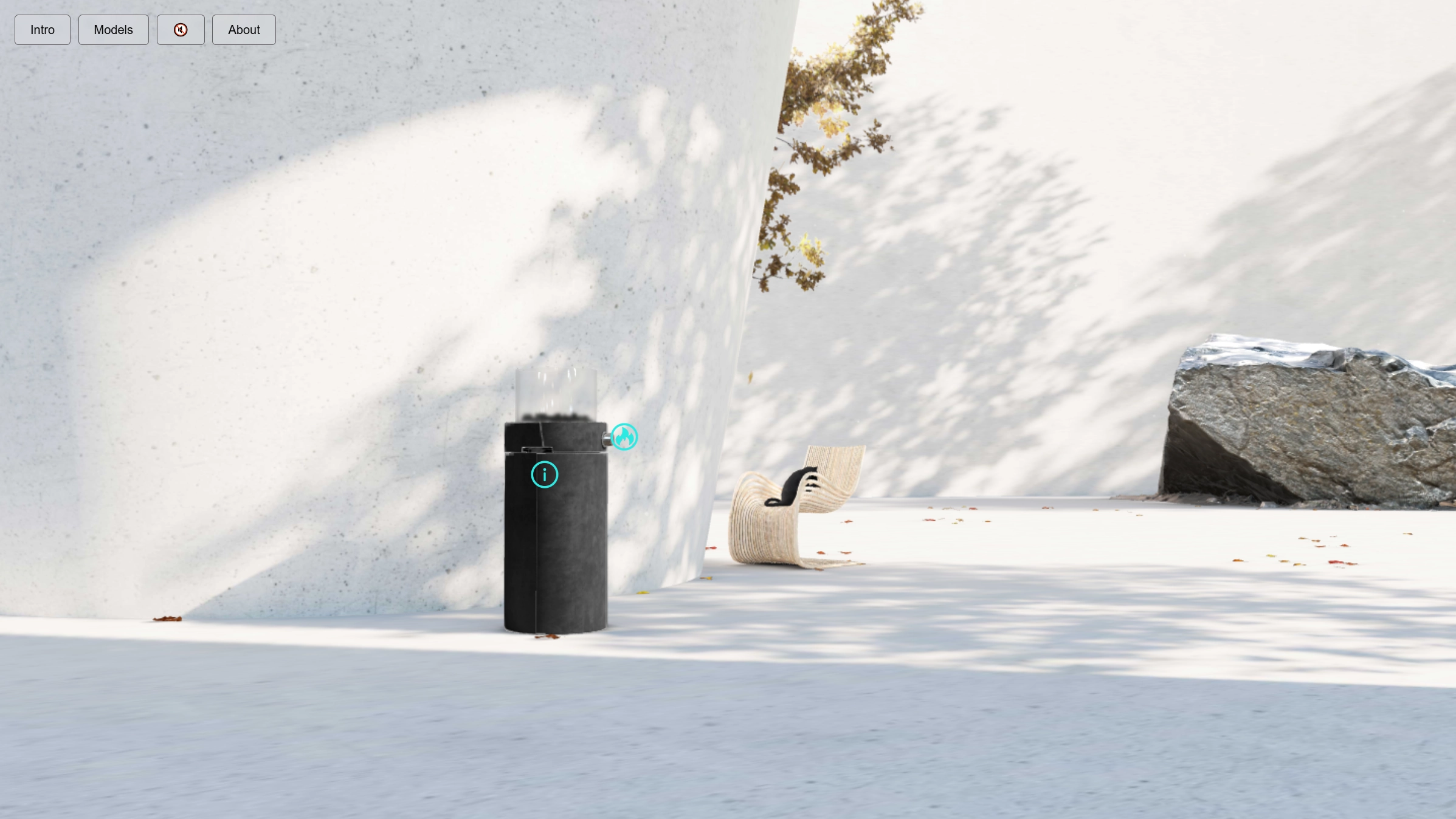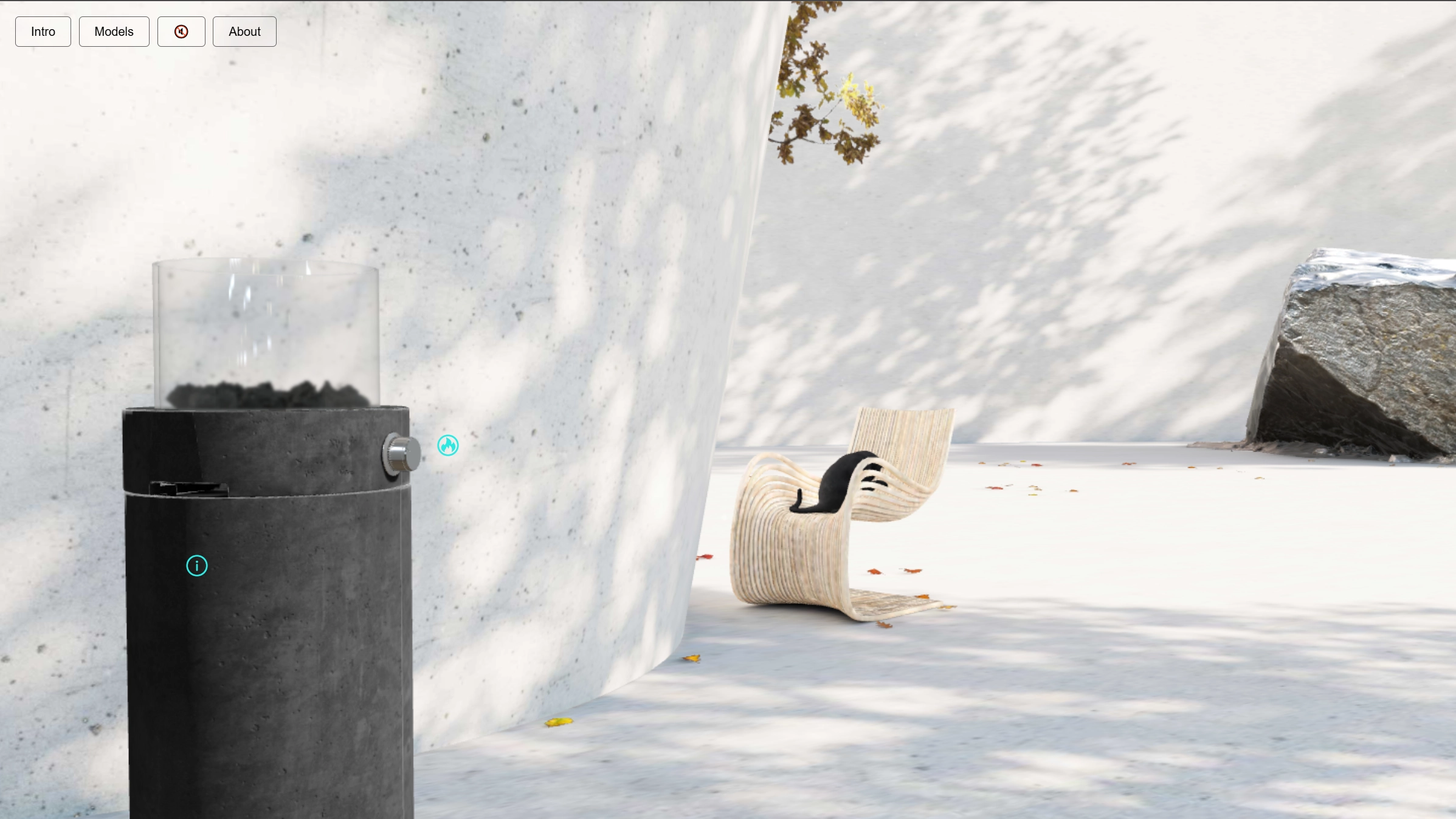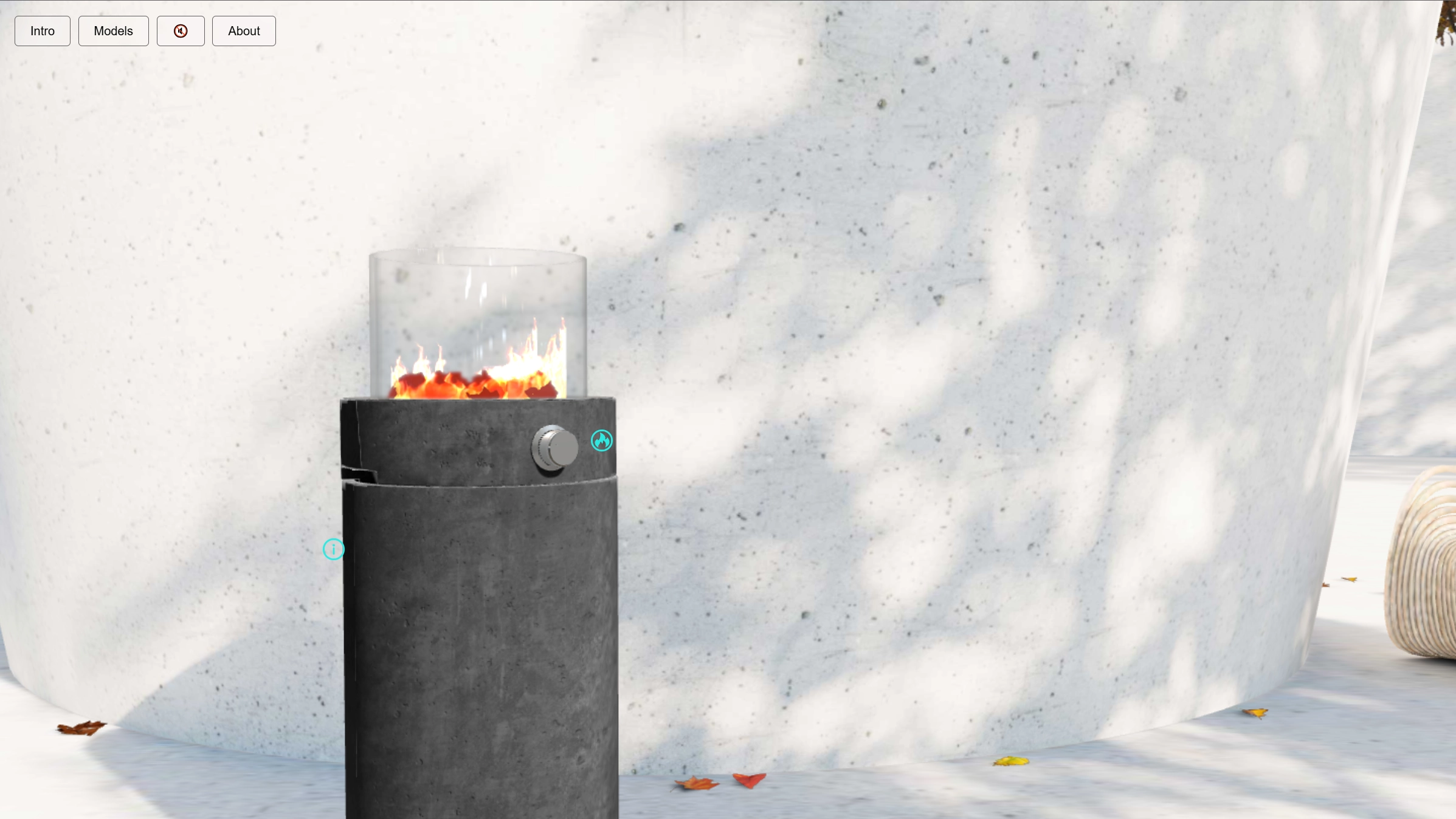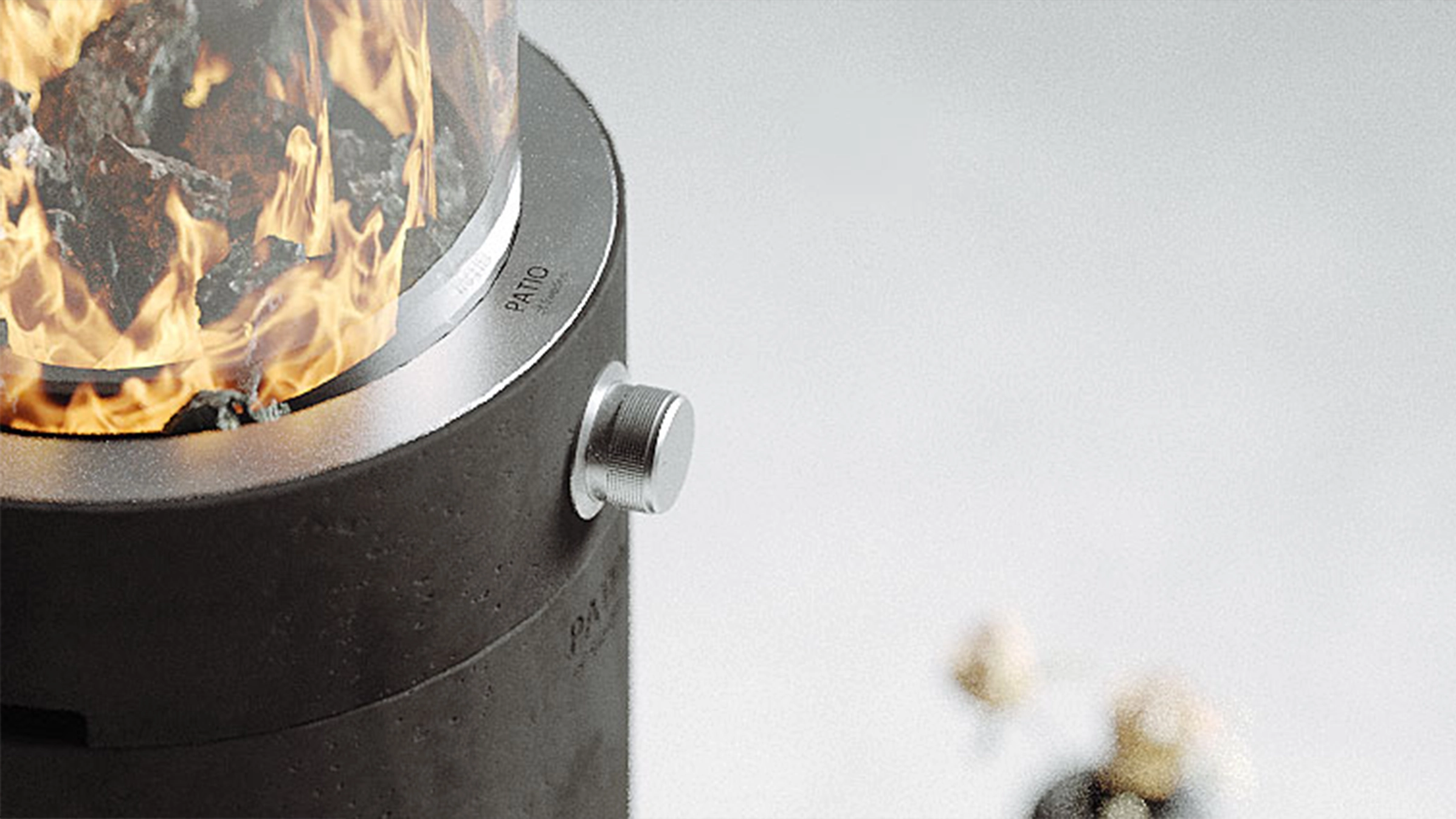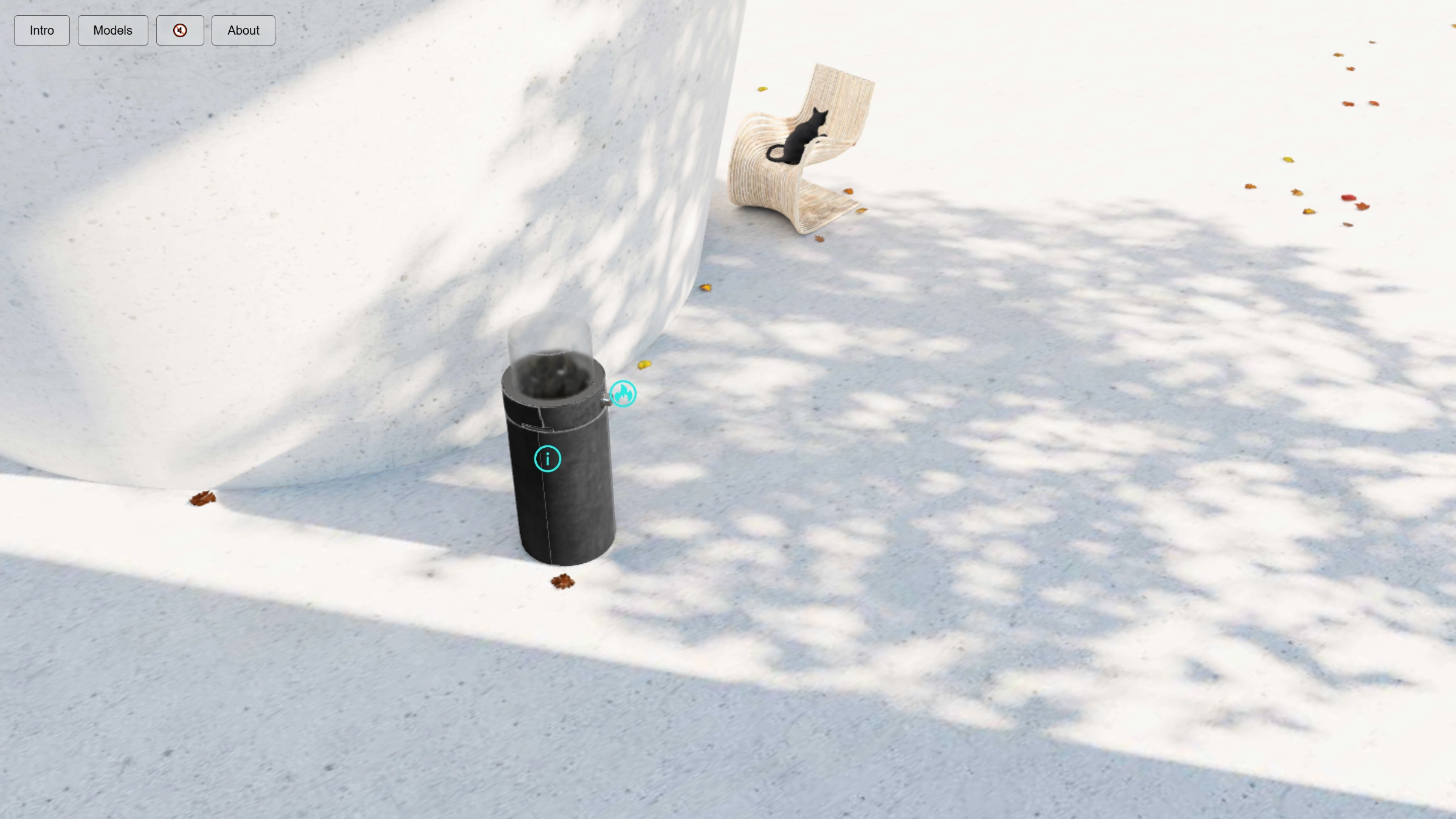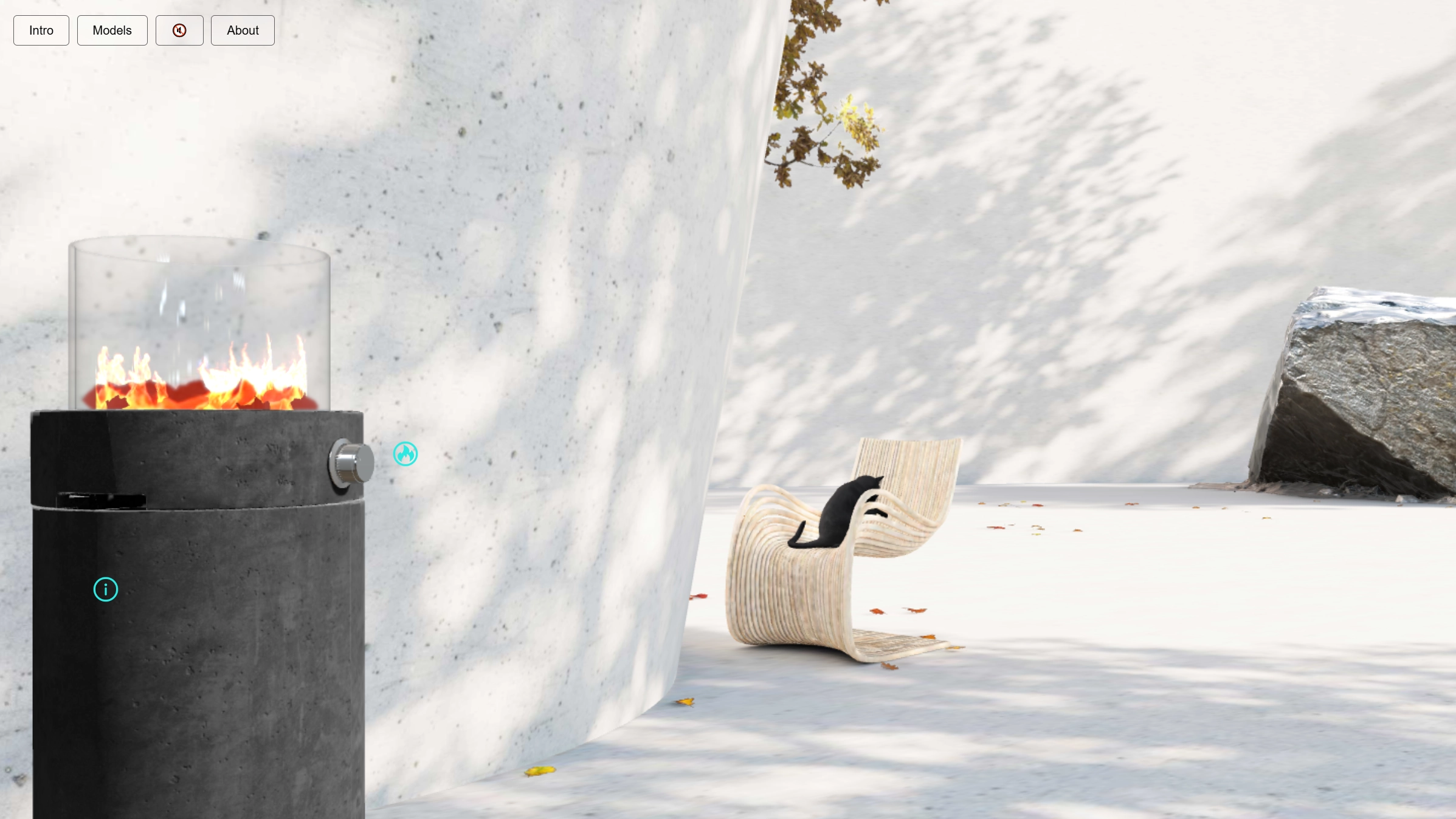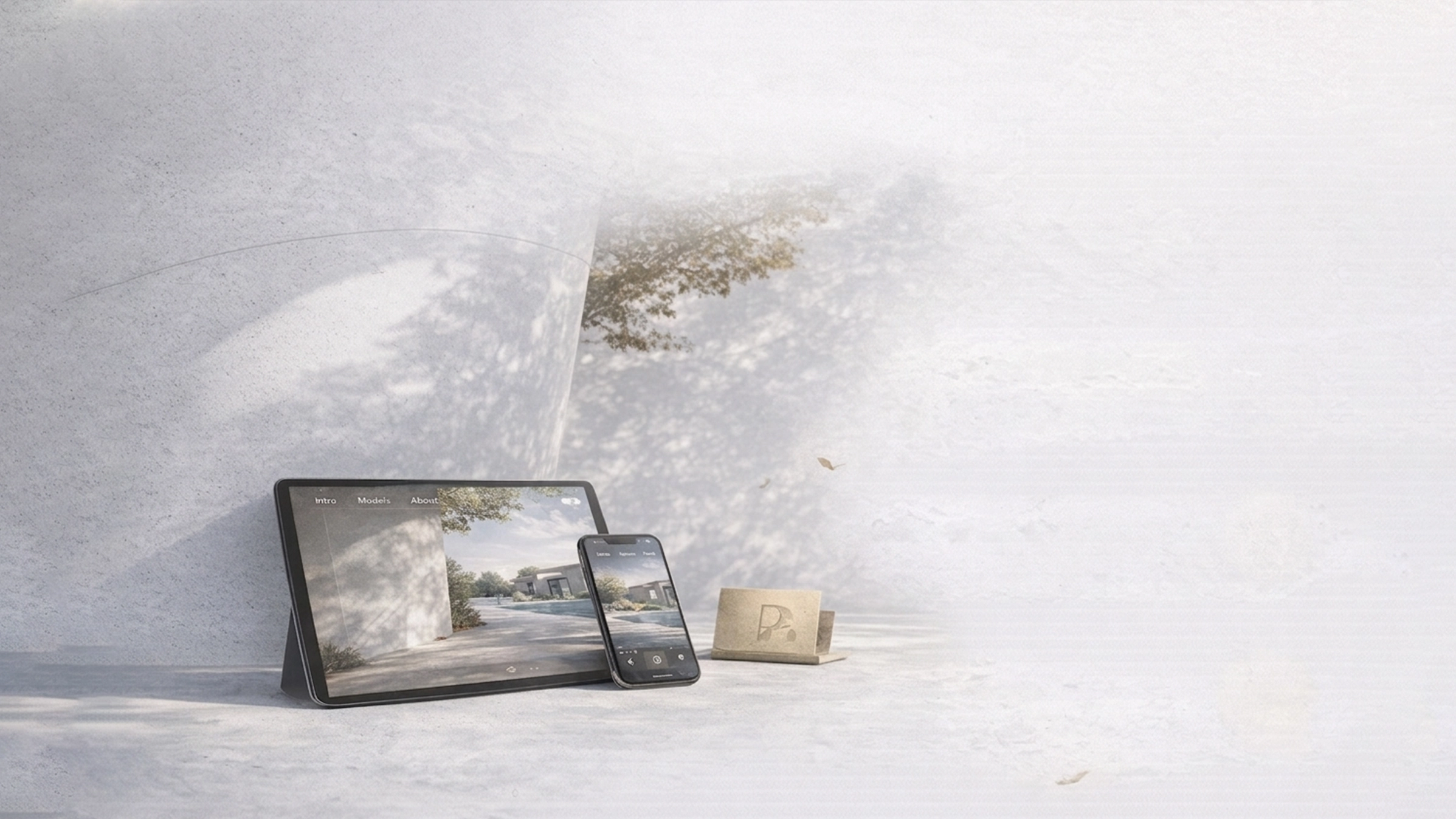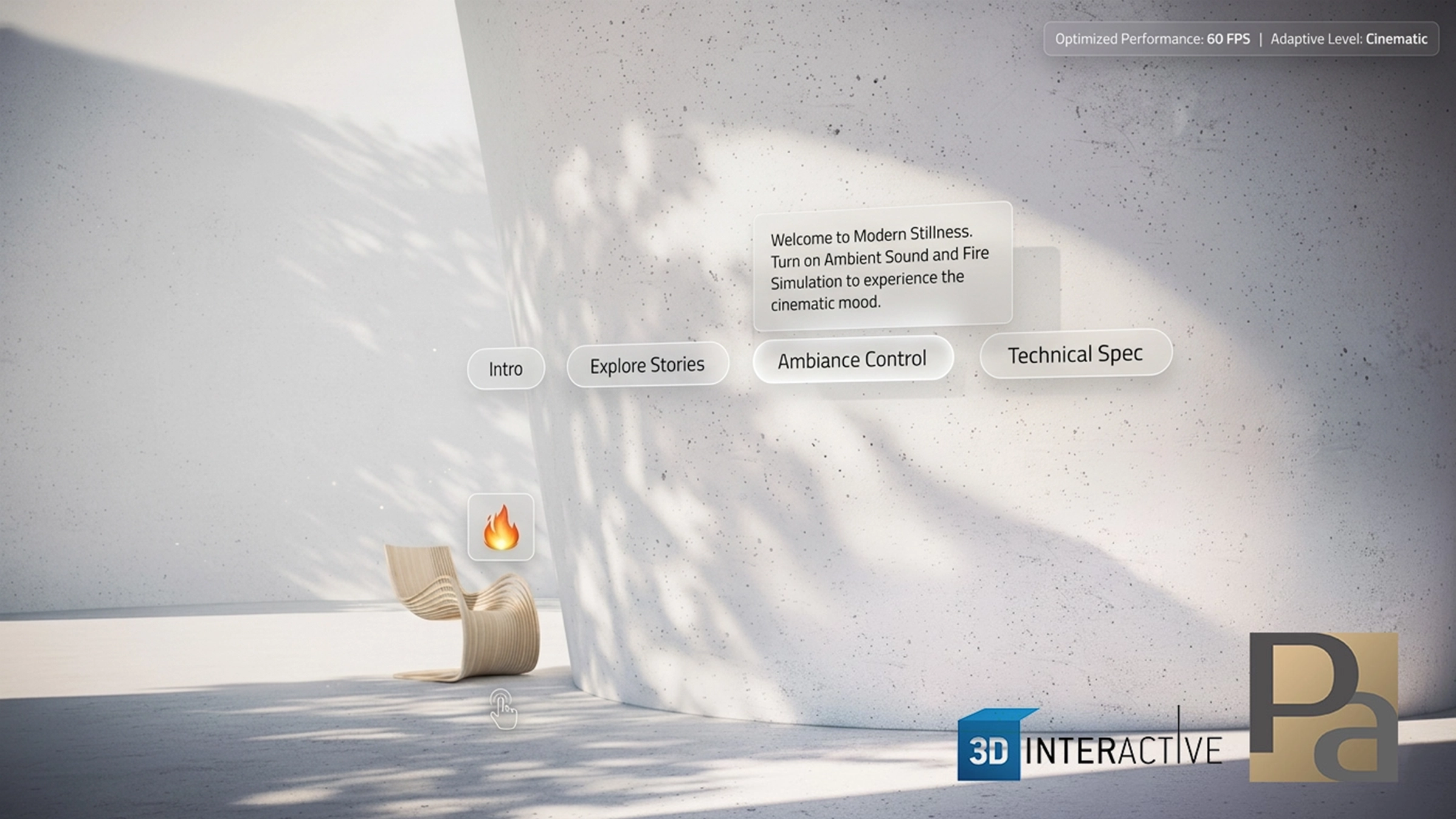
Users enter the experience through a cinematic intro, move into a calm interactive environment, open responsive popups, explore the scene, and experience atmosphere through particles, ambient sound, and fire.
More than a scene. A complete cinematic web experience.
ModernStillness is a cinematic real-time 3D environment designed to create a calmer and more emotional browser-based experience than a standard static presentation.
Instead of opening directly into a simple 3D scene, the system combines a guided video intro, responsive UI, dynamic popups, atmospheric particles, fire simulation, ambient audio, and performance-aware rendering inside one connected flow.
Built as a complete browser-based experience, the project turns an interior 3D environment into a more immersive, polished, and memorable digital presentation.
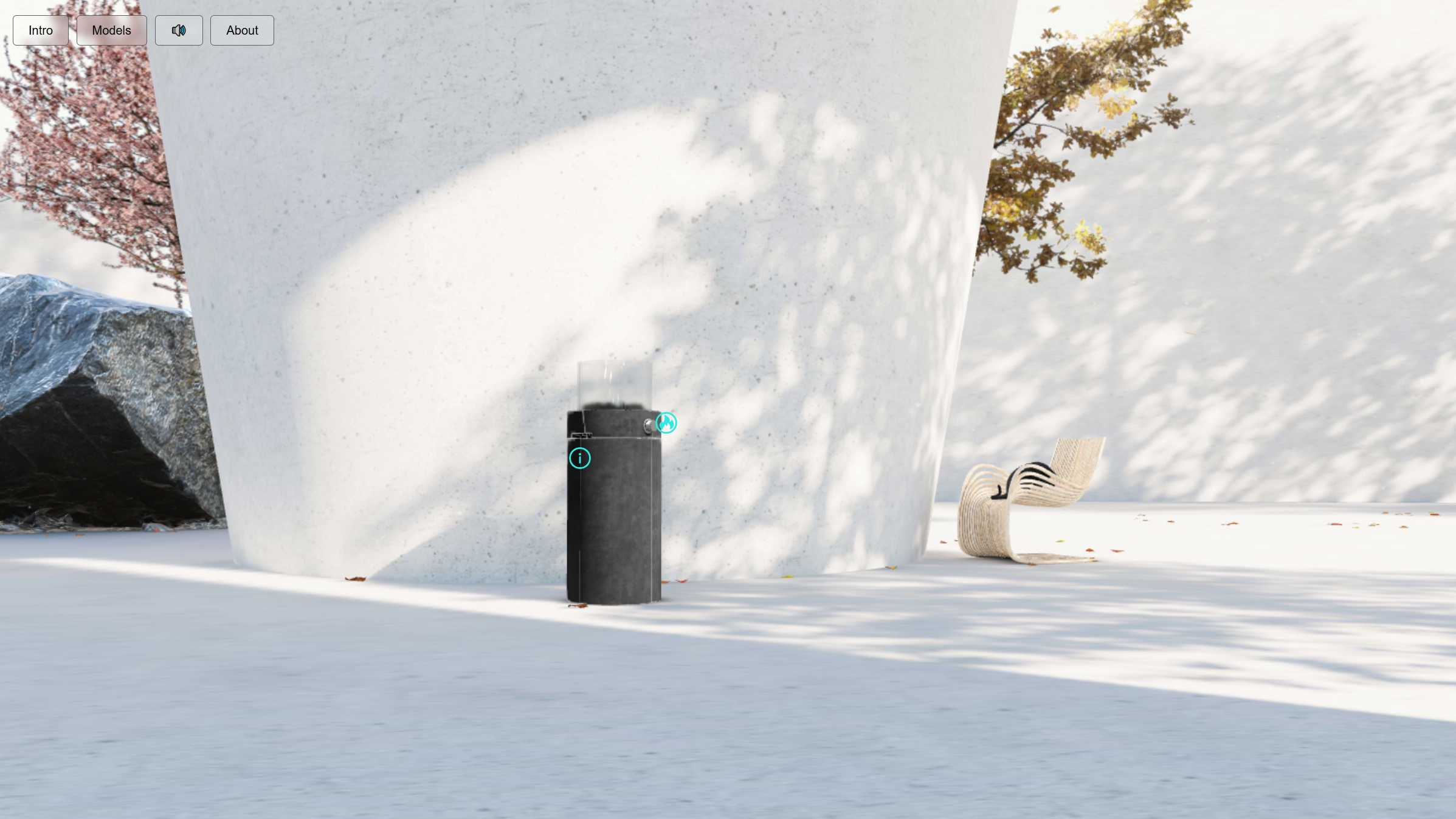
This system does more than show a room in 3D.
It introduces the space through a controlled visual flow, combines interactive overlays with ambient effects, and builds a calmer emotional experience directly inside the browser.
One connected experience: intro video + 3D scene + responsive popups + sound + atmospheric systems + adaptive performance
Cinematic presentation · interactive calm · performance-aware rendering
A guided intro video and controlled transition into the scene create a stronger emotional first impression than opening directly into a static 3D view.
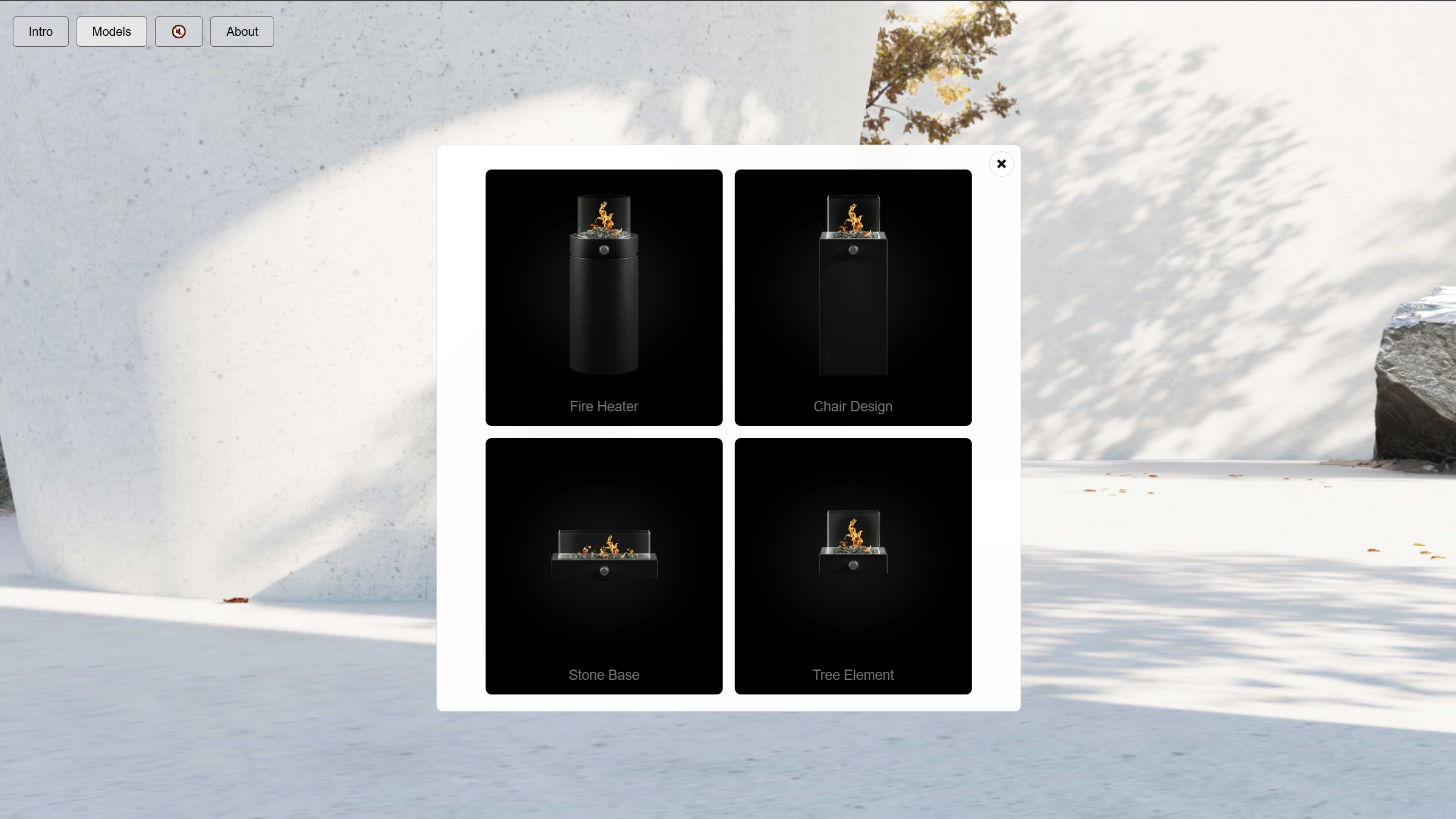
About, Models, and Pulses content is presented through responsive popups that stay visually integrated with the scene instead of feeling like disconnected overlays.
Dust, drifting leaves, and fire simulation give the environment subtle movement and warmth, helping the scene feel alive rather than frozen.
The experience monitors runtime FPS and adjusts pixel ratio to stay smoother across desktop and mobile without breaking the overall visual mood.
Many browser-based 3D interiors look technically correct, but they still feel empty as experiences.
They may display a space, but they often lack visual rhythm, atmosphere, and the kind of calm guided presentation that makes a scene feel memorable.
ModernStillness was created to explore how a real-time 3D environment can feel more cinematic, more responsive, and more emotionally complete directly in the browser.
Creating atmosphere in the browser is harder than simply rendering a model.
The challenge was to build a web-based environment that feels calm, cinematic, and alive, while still staying responsive and stable across different devices.
The experience also needed to guide the user through multiple layers of content including intro video, UI controls, popups, sound, and particle effects without becoming visually noisy or technically heavy.
At the same time, the scene had to preserve a polished visual result through baked lighting, HDR reflections, and carefully controlled materials instead of relying on heavy real-time rendering.
Instead of building only a simple interior viewer, the project was designed as a complete cinematic environment system for the browser.
The result combines unified asset preloading, a start-based intro flow, dynamic popup layers, ambient audio, fire animation, dust and leaves systems, and adaptive rendering behavior inside one connected experience.
This gives the scene more presence, makes the interaction feel more intentional, and creates a stronger presentation layer than a standard browser-based 3D scene.
The experience begins before the user even reaches full interaction.
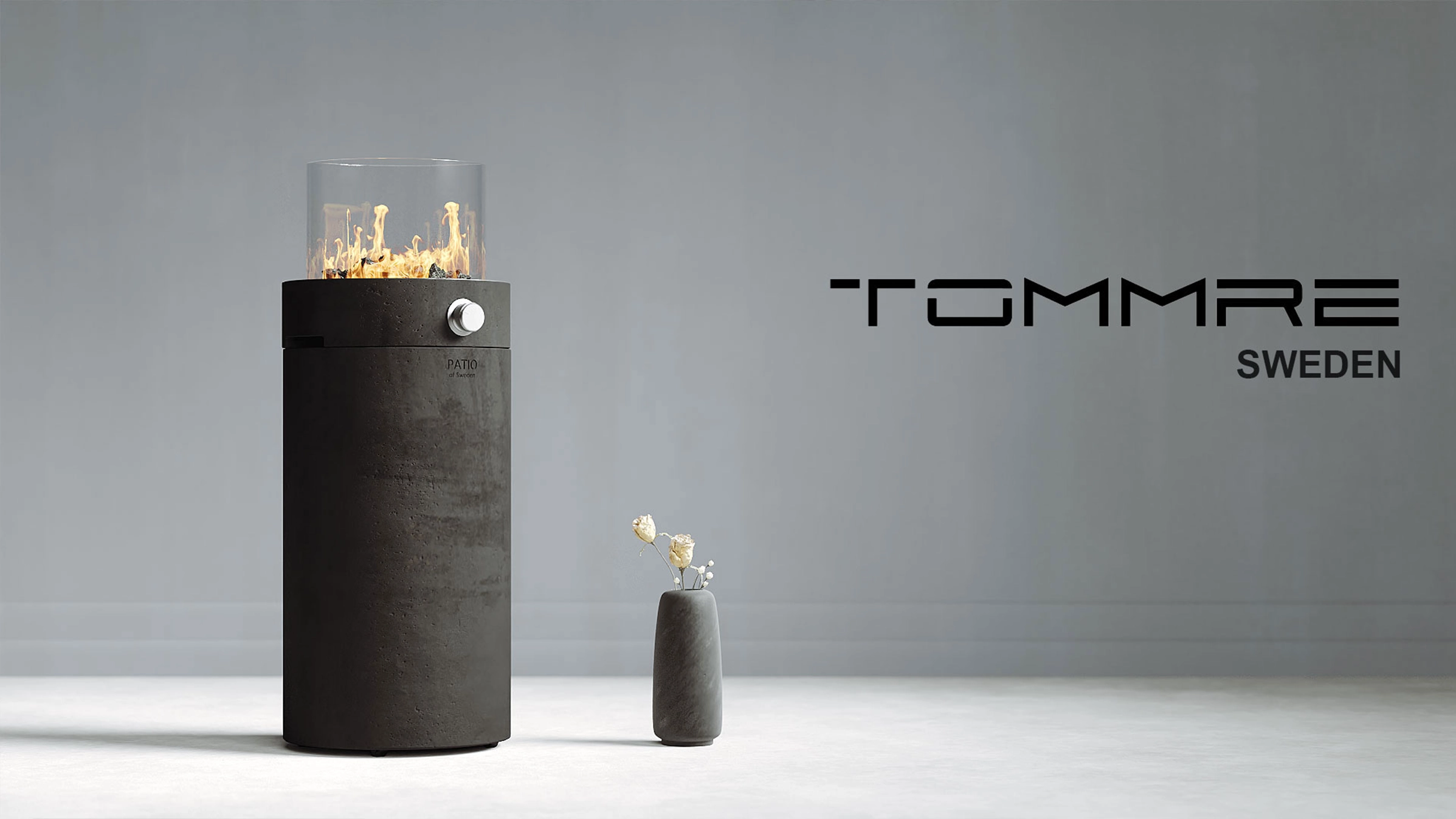
A guided intro video creates visual rhythm and sets the tone of the project before the real-time environment becomes active.
This makes the entry feel more deliberate and more immersive than instantly dropping the user into a fully visible 3D scene.
The transition from loading to start to video to live interaction is one of the project’s strongest qualities because it turns technical initialization into part of the presentation itself.
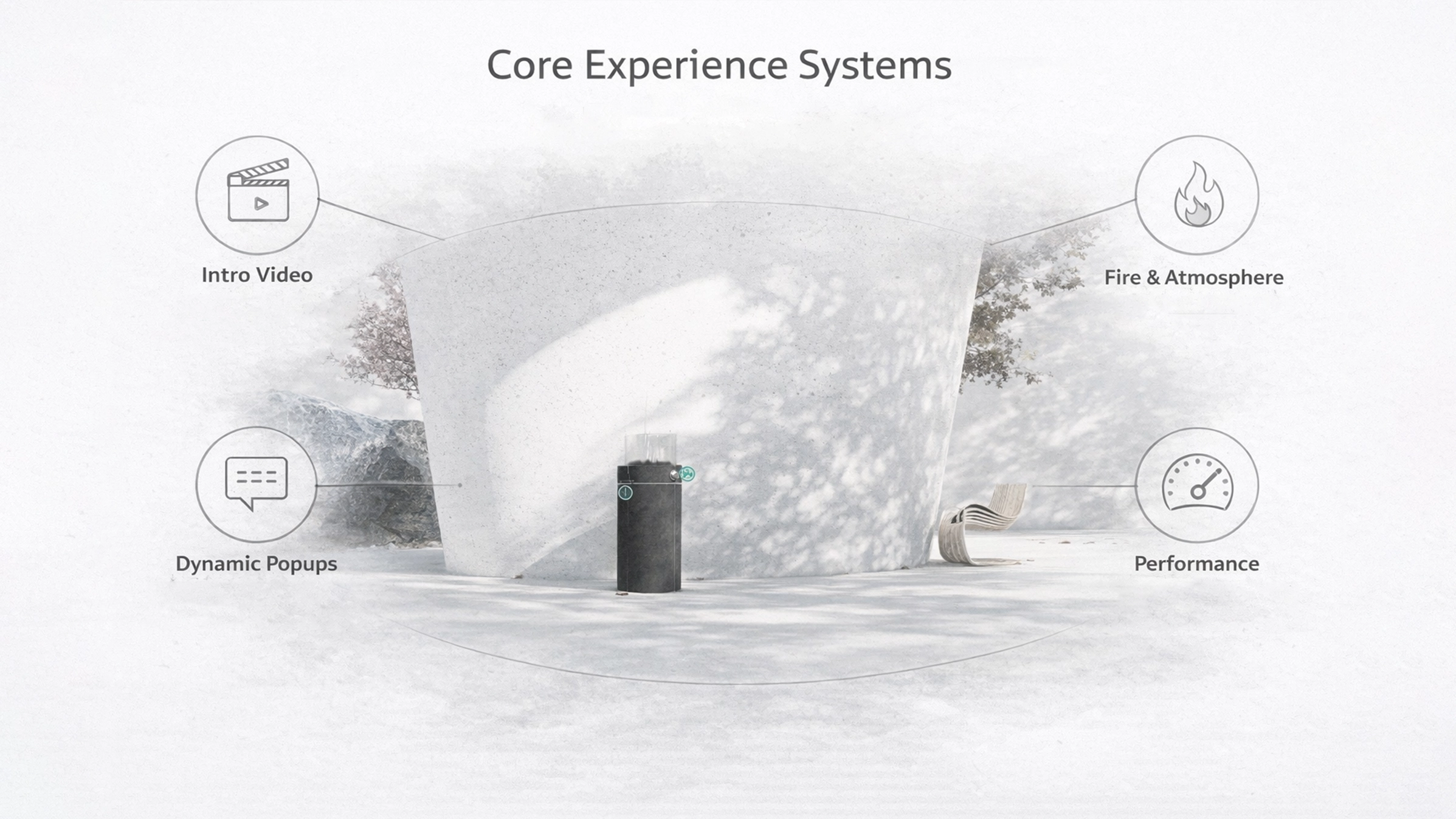
Unified Loading Flow
All major assets are preloaded through one connected system so the
experience can start in a cleaner and more controlled way.
Intro Video Layer
A cinematic intro video with skip behavior creates a guided opening
and hands the user into the live scene smoothly.
Dynamic Popup System
About, Models, and Pulses content is handled through responsive
overlays that remain integrated with the experience and adapt well
across screen sizes.
Performance-Aware Rendering
Runtime FPS is monitored and rendering quality is adjusted
automatically to preserve smoother behavior across devices.
A major part of the project focuses on subtle movement rather than obvious spectacle.
Dust particles, falling leaves, and fire simulation work together to make the scene feel inhabited, warm, and visually alive without overwhelming the calm mood of the environment.
This kind of motion is important because stillness alone can make a scene feel frozen. Small ambient movement makes it feel real.
The fire system is more than a visual decoration. It adds warmth, motion, and emotional focus to the environment.
A looping fire texture, emissive glow behavior, and synchronized sound help create a stronger sense of presence inside the room.
Ambient nature audio adds another layer of calm, and because sound is tied to the user-driven start interaction, it fits naturally into browser behavior and the overall intro flow.
Together, these elements help the environment feel less like a model and more like a lived atmospheric space.
The project relies on a controlled rendering strategy rather than brute-force lighting.
Baked textures, normal maps, HDR reflections, and selective physical materials work together to keep the environment visually rich while remaining practical for browser delivery.
This matters because the goal was not just to make the scene visible, but to preserve a polished visual mood without turning the environment into a heavy runtime burden.
The result feels softer, cleaner, and more stable than a raw real-time lighting approach would allow in many browser situations.
The experience is designed to feel guided, calm, and visually clear from the first moment.
Users are not overloaded with complex technical controls. Instead, the project focuses on a small set of intentional interactions: start, skip, explore, open content, and experience the atmosphere.
Every part of the flow supports that goal: the loading sequence, the intro video, the responsive popups, the sound controls, and the subtle visual movement inside the scene.
This matters because presentation is not judged only by model quality. It is also judged by how calm, smooth, and complete the experience feels while the user is inside it.
ModernStillness shows that browser-based 3D can create more than a technically functional scene.
It demonstrates how a web environment can become cinematic, emotionally warmer, and more memorable when visual flow, interaction, sound, and performance are treated as one system.
This matters for premium digital presentations, interior concepts, atmospheric product experiences, design storytelling, and any web project that wants stronger emotional presence without leaving the browser.
Instead of separating visuals, UI, and technical logic, the project connects them into one smoother and more intentional experience.
• Stronger digital presentation than a static interior gallery
• More memorable browser experience through intro, motion, and
atmosphere
• Better emotional engagement through sound, warmth, and visual
rhythm
• Smoother delivery across devices through adaptive rendering
From a business perspective, this kind of project can increase the perceived value of a digital environment by making it feel more refined and more intentional.
It also creates stronger engagement because users are not just looking at a rendered scene. They are entering a connected atmosphere with motion, sound, and guided interaction.
That gives the experience value not only as visual output, but as a stronger digital presentation tool for brands, spaces, and interactive storytelling.
ModernStillness is not just a 3D room. It is a complete browser-based environment system designed to feel cinematic, calm, interactive, and visually polished.
It combines guided entry, responsive UI, popup storytelling, atmosphere particles, ambient sound, fire simulation, and adaptive performance into one connected experience.
The project proves that browser-based 3D can do more than display a space. It can create stronger mood, more engaging interaction, and a more refined digital experience around the same environment.
For cinematic interiors, atmospheric presentations, and interactive design experiences, this is the kind of system that turns 3D from a visual layer into a meaningful presentation tool.